
Zangi Messenger 6.6.0 for Android
6.6.0 · Secret Phone, Inc · Page updated
Zangi Messenger is a free messaging app for Android from Secret Phone, Inc. This page covers version 6.6.0.
Rate Zangi Messenger
Average 0.0 · ratings: 0
Thank you! Your rating is saved; you can change it. Could not save the rating. Please try again later. Too many ratings from your network today. Please try again tomorrow. The average appears after 5 ratings.
Screenshots
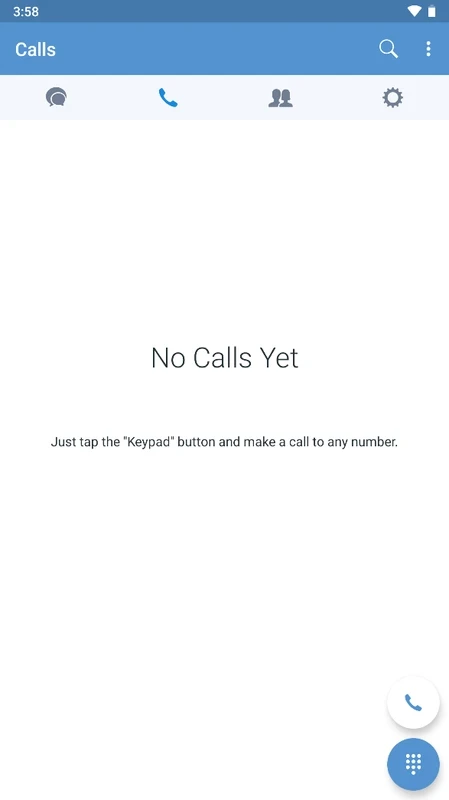
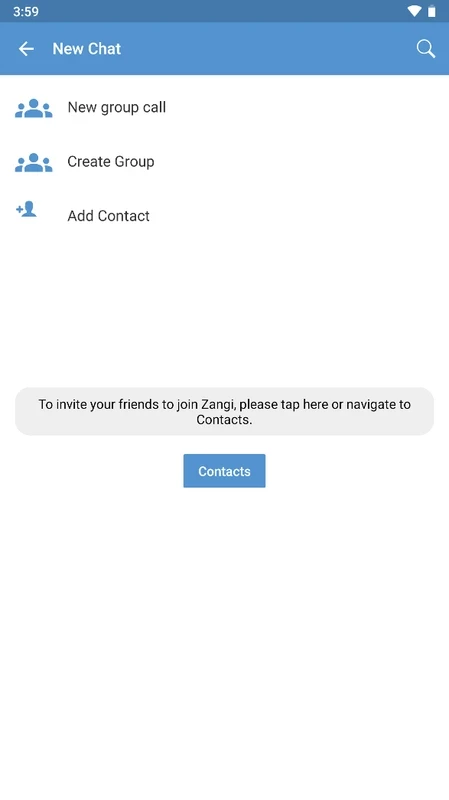
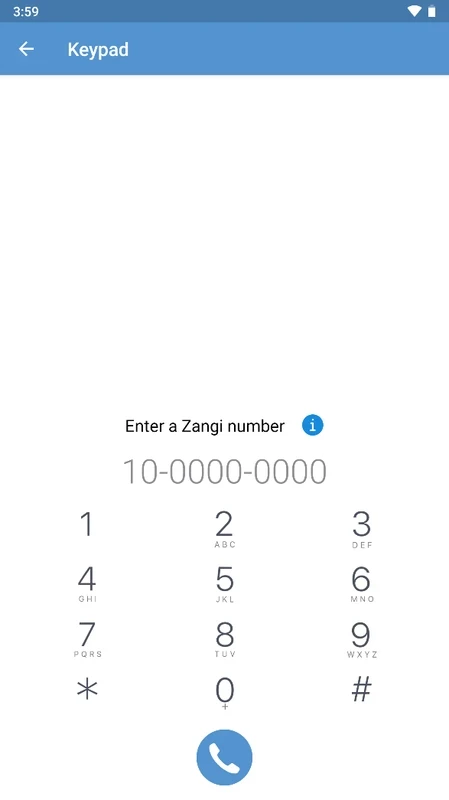
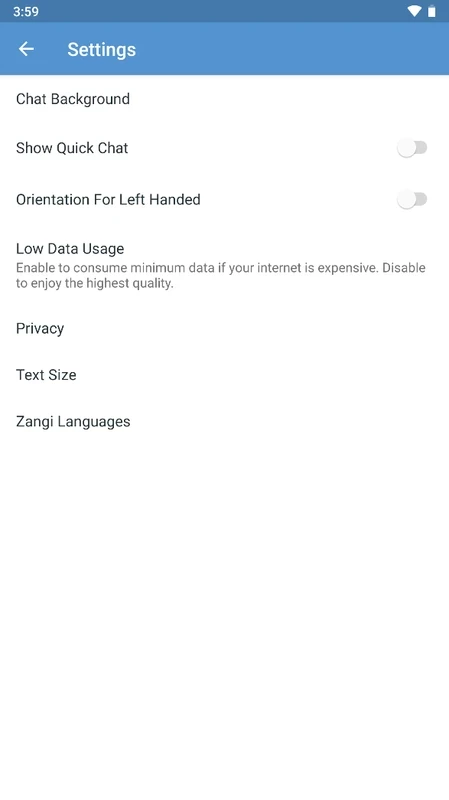
About Zangi Messenger
Zangi Messenger 6.6.0 for Android is a free messaging app from Secret Phone, Inc. Here are the quick facts, a safe way to download and set it up, and a few habits that keep your chats private.
Quick facts
| Item | Details |
|---|---|
| App | Zangi Messenger |
| Developer | Secret Phone, Inc |
| Version | 6.6.0 |
| Platform | Android |
| Licence | Free |
| Category | Messaging and chat |
| Size | about 32.86 MB according to catalogue data |
| Updated | September 2026 |
What Zangi is for
Zangi is a messenger: you install it, register, find the people you want to talk to and keep your conversations in one app. It belongs to the same family as the well-known chat apps, but it is a smaller, independent product, so keep in mind that your contacts need Zangi too before you can reach them there. That makes it a good fit for a group of friends, a family or a small team that agrees to use the same app, and less useful if you hope to reach everyone in your address book at once. Its compact size is a plus on phones with little free storage. Because the developer publishes few technical details, judge the app by what you see: which permissions it asks for, how it handles your account and whether updates arrive regularly.
How to install
- Open Google Play on your phone and search for Zangi Messenger.
- Check that the developer name matches Secret Phone, Inc before tapping Install.
- Open the app, register and confirm your account.
- Allow access to contacts only if you want the app to find friends automatically.
Safety checklist
- Avoid APK files from forums or file-sharing sites; install through the store.
- Review permissions after setup and switch off anything you do not use.
- Lock the app or the phone with a PIN so others cannot read your chats.
- Be careful with links and files from unknown contacts, as in any messenger.
Tips for daily use
Invite the people you talk to most before you rely on the app, and agree on it as the channel for a specific group, such as family plans or a hobby club; a messenger works only when everyone checks it. Set a profile name and photo so friends recognise you, mute noisy group chats instead of leaving them, and check the notification settings so messages do not show their full text on the lock screen.
Pros and cons
- Pro: free to use.
- Pro: small app that suits phones with limited storage.
- Con: fewer people use it than the big messengers.
- Con: little official documentation.
Requirements
No official requirements list is published. Any reasonably current Android phone with Google Play and a network connection should be enough.
Alternatives
Other messaging apps for Android in our listings: Telegram, Viber, Line and WhatsApp Messenger.